November 5th, 2025
New
Improved
05 November Changelog — Cooldowns, Rarities & more!
Button Cooldowns & Stream Limits
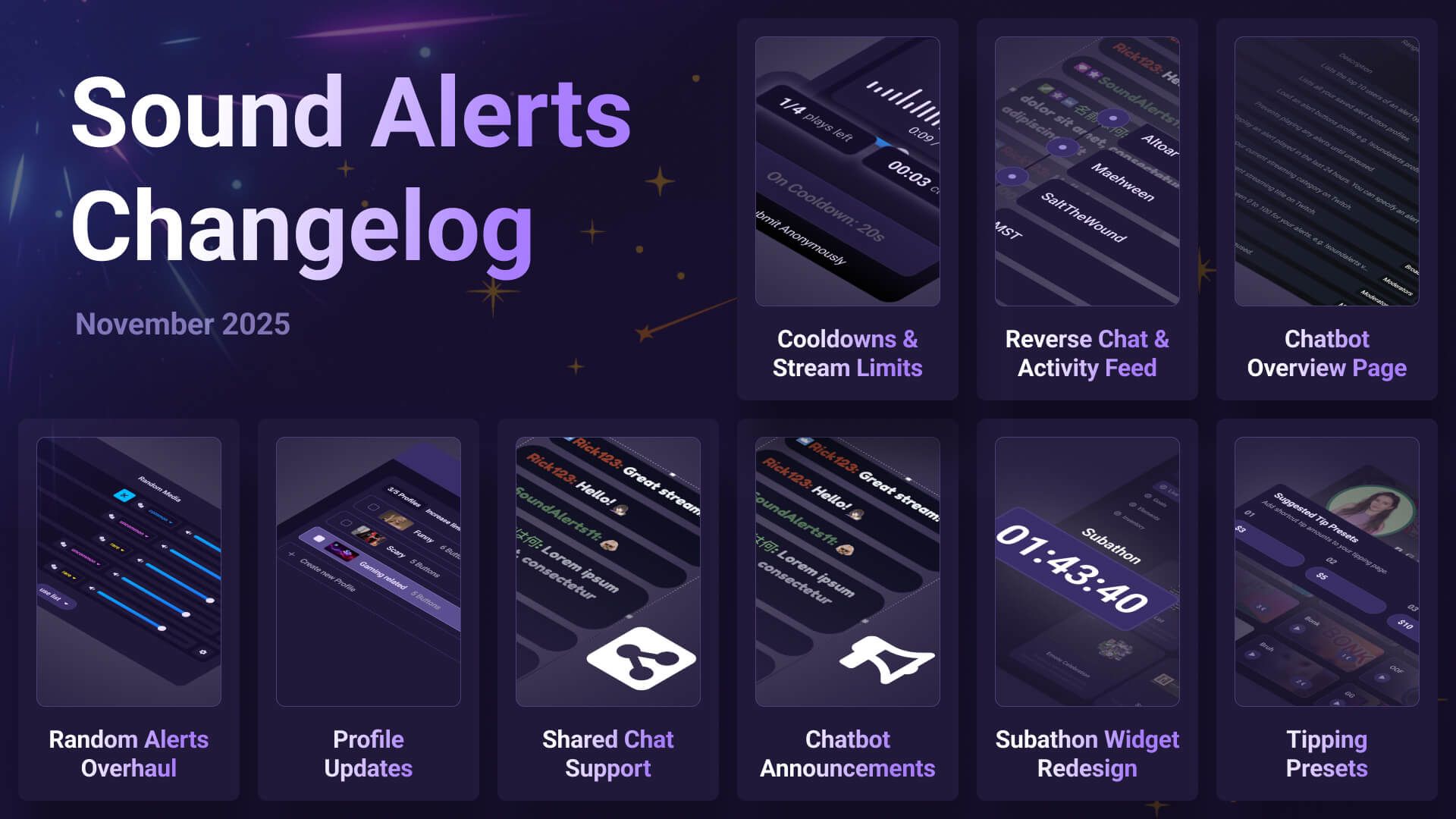
When setting up your Twitch Extension or Channel Points alerts, you can now select an individual cooldown and stream limit to control how frequently viewers can use your alerts. This setting is super helpful for special alerts like jump scares or longer sounds and helps ensure that they are not spammed.
Reverse Direction of Chat & Activity Feed Widget
You can now change the direction of certain widgets to allow your chat widget or Activity Feed entries to scroll from the top to the bottom or vice versa. Use the settings on the left to do this.
Chatbot Command Overview on the Tipping Page
Your viewers can now browse all your available Sound Alerts Chatbot commands via a new tab on your Tipping Page.
Random Alerts Overhaul
We changed how random alerts work in your Dashboard. You can now add multiple sounds or videos to any standard media alert, and it will automatically randomize the available entries in the list. This change also means that dedicated random buttons are no longer available. Furthermore, you can select rarities for each individual media list item in your randomized alerts.
Profile Updates
We redesigned the profile section to improve the management of alert profiles for Channel Points, Tipping, and Bits. You also have additional sorting options and can now change your profiles even quicker via the Home tab of the Dashboard.
Shared Chat Support
The chat widget now supports Twitch's Shared Chat feature and showcases each broadcaster's avatar next to the messages.
Custom Tipping Presets
You can now decide which number presets appear on your Tipping Page when viewers select their Tipping amount.
Announcements for Chatbot Commands
We added the option to choose whether a chat command will be shown as a Twitch Announcement that differs from regular messages in your chat.
Subathon Widget Redesign
We enhanced the standard look of the Subathon widget in our Scene Editor to match the current Sound Alerts aesthetic.
Other Changes
Additionally, we release the following smaller improvements:
New Activity Feed in your Twitch Extension showcasing all recent alerts
New customizable auto-hide setting for the Activity Feed widget
New option to show previous events on load when using the Activity Feed widget
New Library overview for the alert settings
Removed the thumbnail requirement for private library uploads
New media list preview in the Twitch Extension
New !soundalerts profiles command to show all existing profiles in your chat
The Chatbot will now announce profile switches
You can rename media list items for randomized alerts (this name will also show up in the alert animations)
The Scene Editor supports undo/redo now