December 12th, 2025

We just released our new Trending Words widget. π
This interactive overlay enables you to display trending words or emotes within your chat β the perfect companion for identifying the opinion of your chat.
Key Features
Fully customizable style
Add ignored/allowed words
Switch between chat command toggle or the always active mode
Adapt the widget duration, word thresholds & more
Available in our Scene Editor now!
December 3rd, 2025

You waited for a long time, but it is finally time to unveil our official Sound Alerts Elgato Stream Deck Plugin!
Activate it on the official Elgato Marketplace here.
Feature List
Switch Alert Profiles
Replay Alerts
Alert Volume Control
Pause/Resume Alerts
Skip Alerts
Clear Alert Queue
Refresh Browser Source
Open Activity Feed
Open Dashboard
Read more about the plugin and the setup process here.
November 17th, 2025
New

You can now access our new Emote Combo widget in the Scene Editor!
The widget highlights consecutive messages containing the same emote
It features animated custom effects that intensify once your combo counter gets higher
The combo thresholds can be customized via the Scene Editor settings
November 5th, 2025
New
Improved

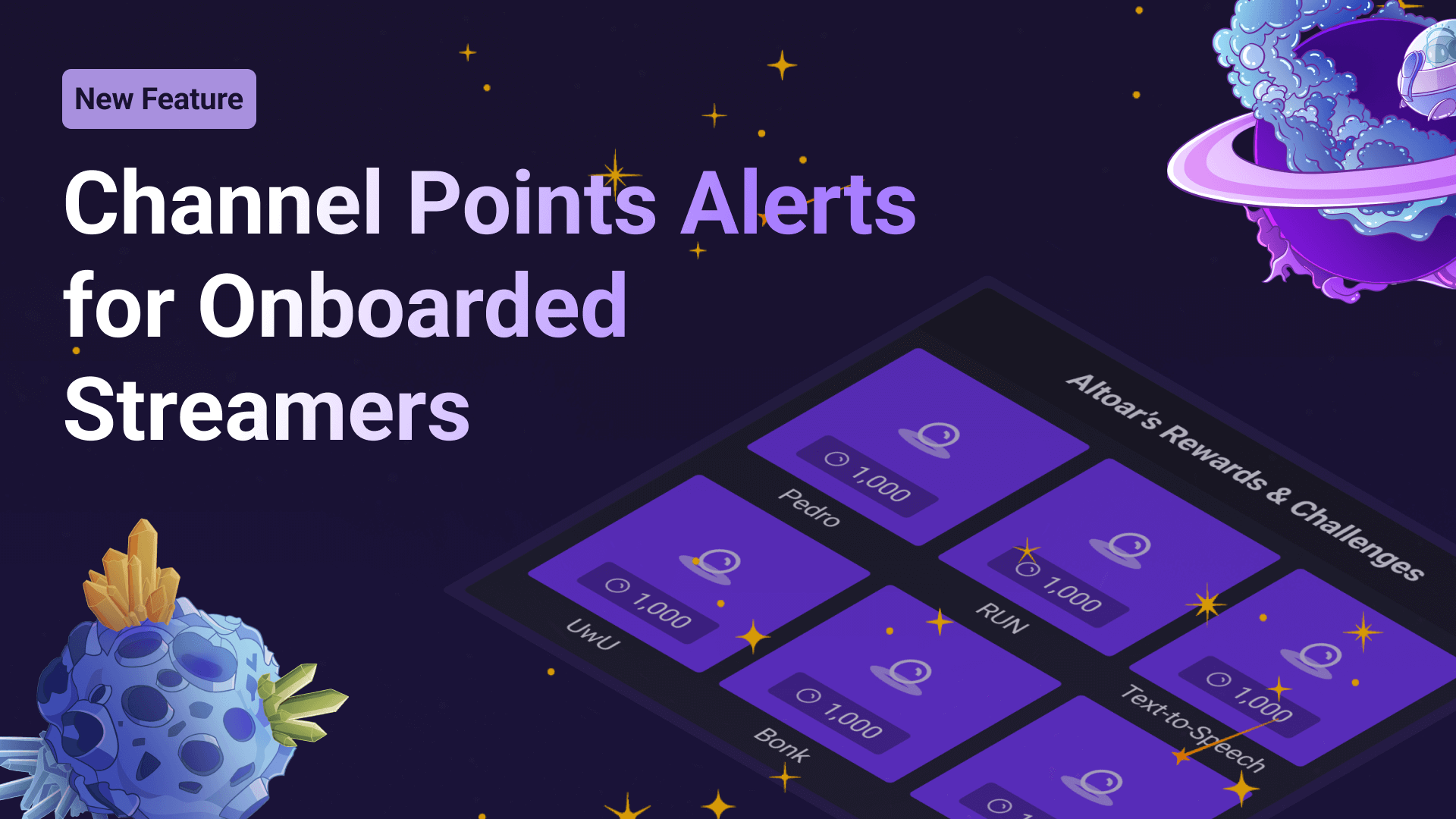
When setting up your Twitch Extension or Channel Points alerts, you can now select an individual cooldown and stream limit to control how frequently viewers can use your alerts. This setting is super helpful for special alerts like jump scares or longer sounds and helps ensure that they are not spammed.
You can now change the direction of certain widgets to allow your chat widget or Activity Feed entries to scroll from the top to the bottom or vice versa. Use the settings on the left to do this.
Your viewers can now browse all your available Sound Alerts Chatbot commands via a new tab on your Tipping Page.
We changed how random alerts work in your Dashboard. You can now add multiple sounds or videos to any standard media alert, and it will automatically randomize the available entries in the list. This change also means that dedicated random buttons are no longer available. Furthermore, you can select rarities for each individual media list item in your randomized alerts.
We redesigned the profile section to improve the management of alert profiles for Channel Points, Tipping, and Bits. You also have additional sorting options and can now change your profiles even quicker via the Home tab of the Dashboard.
The chat widget now supports Twitch's Shared Chat feature and showcases each broadcaster's avatar next to the messages.
You can now decide which number presets appear on your Tipping Page when viewers select their Tipping amount.
We added the option to choose whether a chat command will be shown as a Twitch Announcement that differs from regular messages in your chat.
We enhanced the standard look of the Subathon widget in our Scene Editor to match the current Sound Alerts aesthetic.
Additionally, we release the following smaller improvements:
New Activity Feed in your Twitch Extension showcasing all recent alerts
New customizable auto-hide setting for the Activity Feed widget
New option to show previous events on load when using the Activity Feed widget
New Library overview for the alert settings
Removed the thumbnail requirement for private library uploads
New media list preview in the Twitch Extension
New !soundalerts profiles command to show all existing profiles in your chat
The Chatbot will now announce profile switches
You can rename media list items for randomized alerts (this name will also show up in the alert animations)
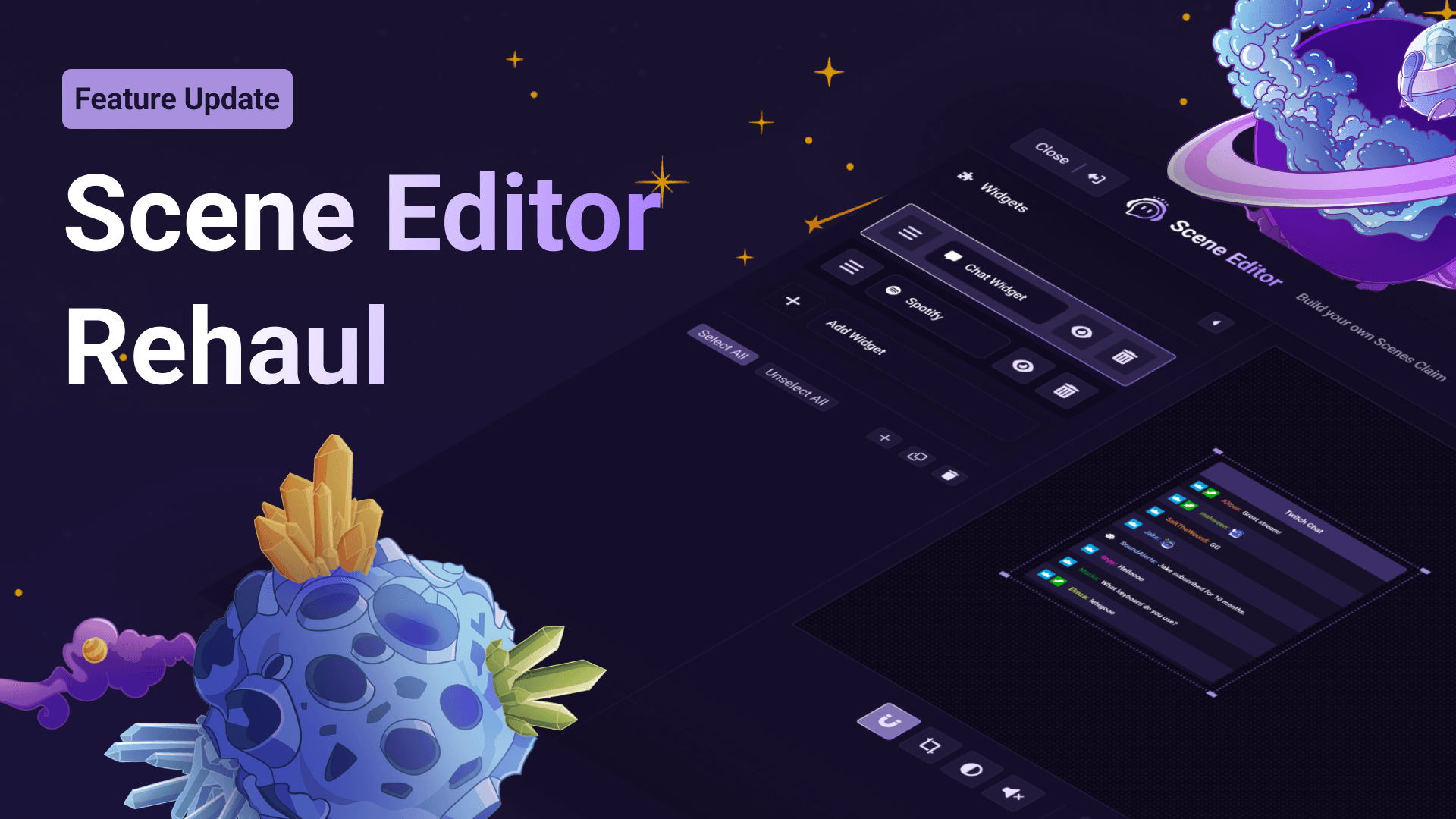
The Scene Editor supports undo/redo now
September 22nd, 2025
New

You can now select individual alert cooldowns for each button in your Twitch Extension via the alert settings
The option to set up a stream limit for Channel Points alerts (e.g., can only be used 2 times each stream) is also there now (will be available for the Twitch Extension soon as well)
August 20th, 2025
New
Improved

You might have wondered why we performed several maintenance works in the last few weeks. To answer it briefly, we have fundamentally improved how you can set up alerts and profiles in your Sound Alerts Dashboard. This update will make it easier to navigate through your alerts and edit them simultaneously. New profile features are rolling out to everyone gradually so you might have to wait a bit until you can see them in full action.

The same applies to your alert profiles and significantly improves your experience when setting them up. Besides a general update of the "My Alerts" UI, you can profit from the following changes:
You can now create profiles for your favorite sets of Channel Points alerts, just like you can already do for Bits or Tipping alerts.
Adjust the thumbnails of alert buttons in your Extension with GIFs or 7TV (!!!) emotes to personalize the look of your Twitch Extension.
Change the order of your alert buttons with one click, bringing your newest or oldest alerts to the top of the list.
You can now disable individual alert buttons without needing to delete them entirely. Once you feel like using them again, you can enable them with one click.
Search through all your available alerts via the new dedicated alert search.
We updated the Leaderboard and Activity Feed widgets in our Scene Editor with a modern look that suits any channel style. Both of them are fully customizable and work with different alert types. Set them up with a few clicks using our Scene Editor.

Relive any past alert with our new replay chat command in the Sound Alerts Chatbot. Type "!soundalerts replay" and add an alert type like "Extension" or "Tipping" to activate any alert you missed or want to experience one more time.

By popular request, we added a text shadow setting to our chat widget. This option will allow you to customize different shadow colors for your chat text in the Scene Editor settings.

We reworked the way your recent alerts will display in your Sound Alerts Twitch Extension. This update will enable a more seamless and clear look for your alert activity.

Exploring our existing stream widget catalog in the Scene Editor is now easier than ever. The new preview allows you to see all available overlays before adding them to your scene and pre-select the variation of your choice with ease.

New Sound Alerts users will be greeted by a new onboarding page that provides simple steps for completing the Sound Alerts setup.

You might have noticed that our settings have a slightly new look, which should make navigating through all the existing options and tools easier. Enjoy this improved experience with all the settings you already know.

March 25th, 2025

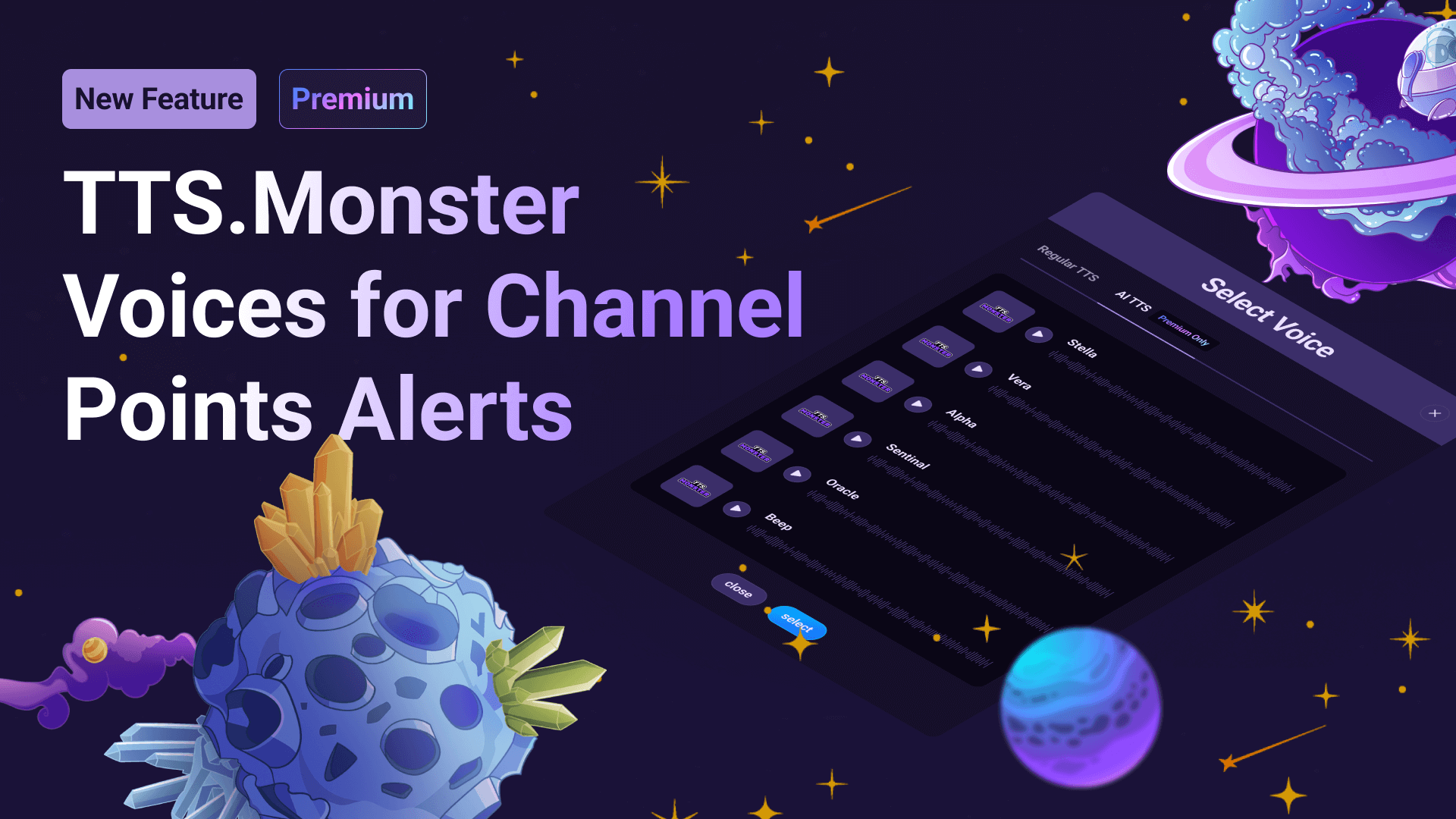
Streamers, you can now use the whole AI TTS catalog for Text-to-Speech alerts on your Sound Alerts Tipping Page.
Simply head over to your My Alerts tab and select a voice in the alert settings. With this change in place, you can now use the TTS.Monster voices in the Extension and the Tipping Page at the same time.
Let us know which updates you want to see for the Tipping Page next and, as always, happy streaming!
January 6th, 2025
New

Key Features
Alert commands: These commands let you our your mods adjust your alert audio, select profiles, pause alerts, and more in your Twitch chat
General commands: These commands include many universal tools that increase the engagement of your chat experience
Custom commands: Set up !-commands in your chat that will automatically display customizable messages
Timer messages: Set up timers that will periodically post messages of your choice in your chat β a great way to highlight sponsors or FYIs
Coming soon
Chatbot giveaways
Loyalty points
& more
Read all about this update in our newest blog post.
December 20th, 2024
New

You can now choose between 11 Tipping Page color themes to individualize the style of your Sound Alerts Tipping Page. Simply visit the Tipping Page settings and select the color of your choice.

December 10th, 2024
New

Weβre thrilled to introduce a new feature to make your media alerts even more customizable: Media Duration Control!
Hereβs whatβs new:
Edit Sound/Video Duration: You can now easily adjust the length of your Video or Sound Alerts! Just click on the three dots in your Video or Sound button and select "Edit Sound/Video" to fine-tune your alert to perfection. You can adjust the start and end as you wish.
Random Sounds and Other Alerts: Head to the settings wheel in your media list to adjust the duration to suit your needs.
This update is all about giving you the power to personalize your alerts exactly how you want them. Whether you prefer short and snappy or longer and immersive, the choice is yours!